

On your home screen
The widget shows a link you saved earlier. Tap it, and you are there.
Molwee keeps what you save from any app — and brings it back when it matters. Free, no account.

iPhone & iPad

If an app can share a link, it can save to Molwee. No copying, no switching apps.
On the article, video or post you want to keep — in Safari, YouTube, X, Reddit or anywhere else.
Molwee keeps the link and fills in its title, description and preview.
You are back where you were. The link waits in Saved, and comes back to you later.
How to save links from X, YouTube, Instagram, TikTok and more
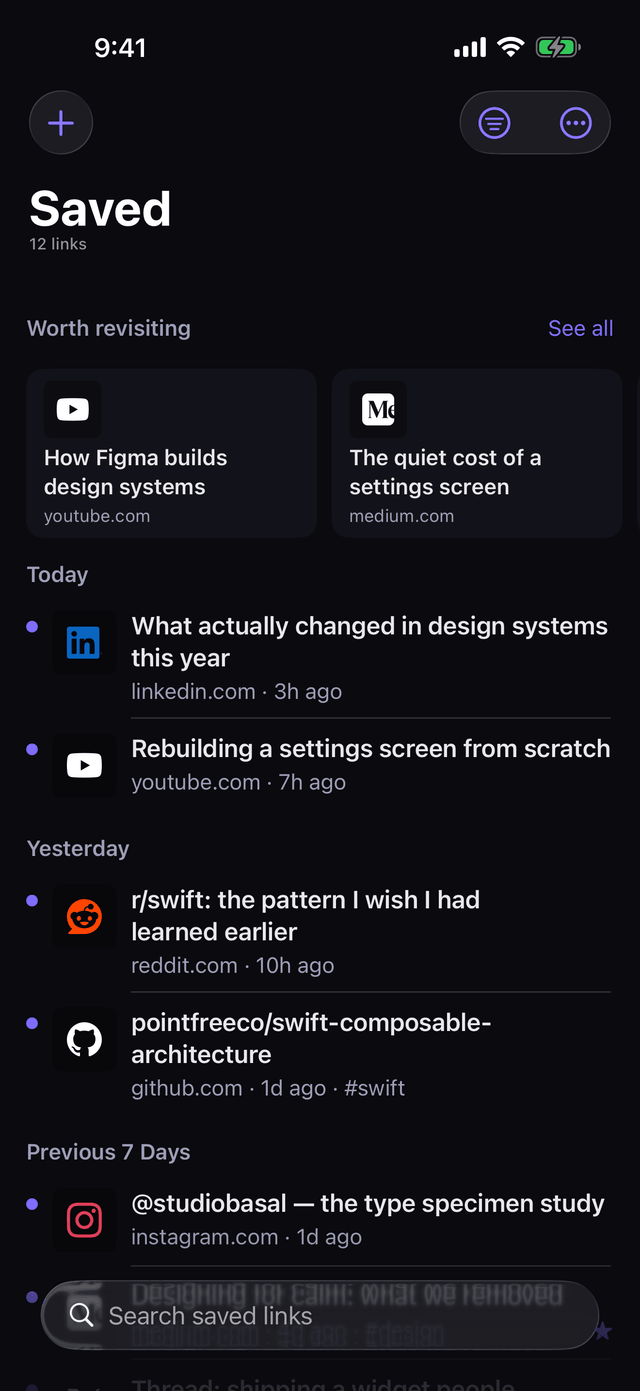
Most read-later apps are a pile you never return to. Molwee is built around the return — in four places.
The widget shows a link you saved earlier. Tap it, and you are there.
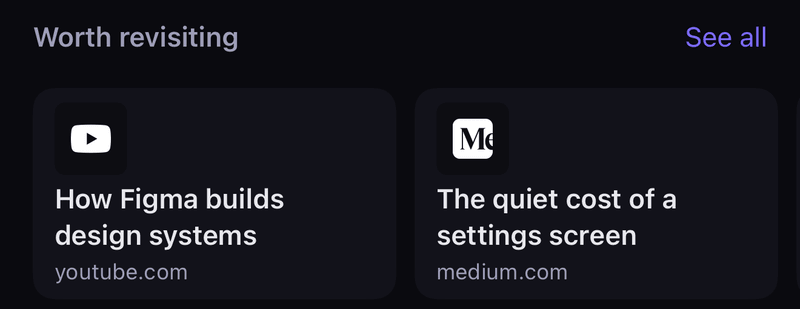
Older saves that connect to what you keep now, at the top of Saved.
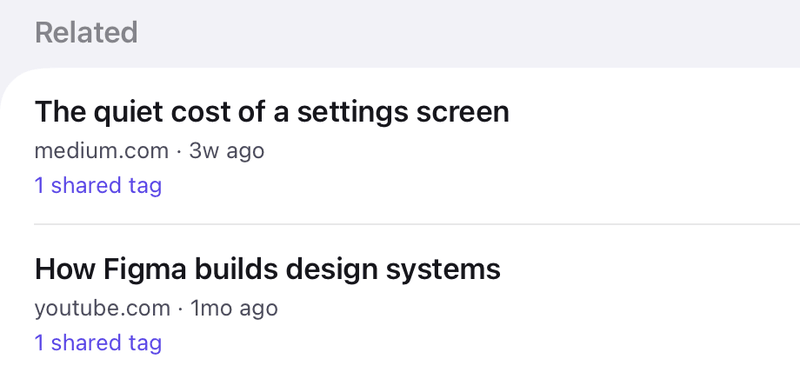
Open a save to see others it connects to.
In light mode
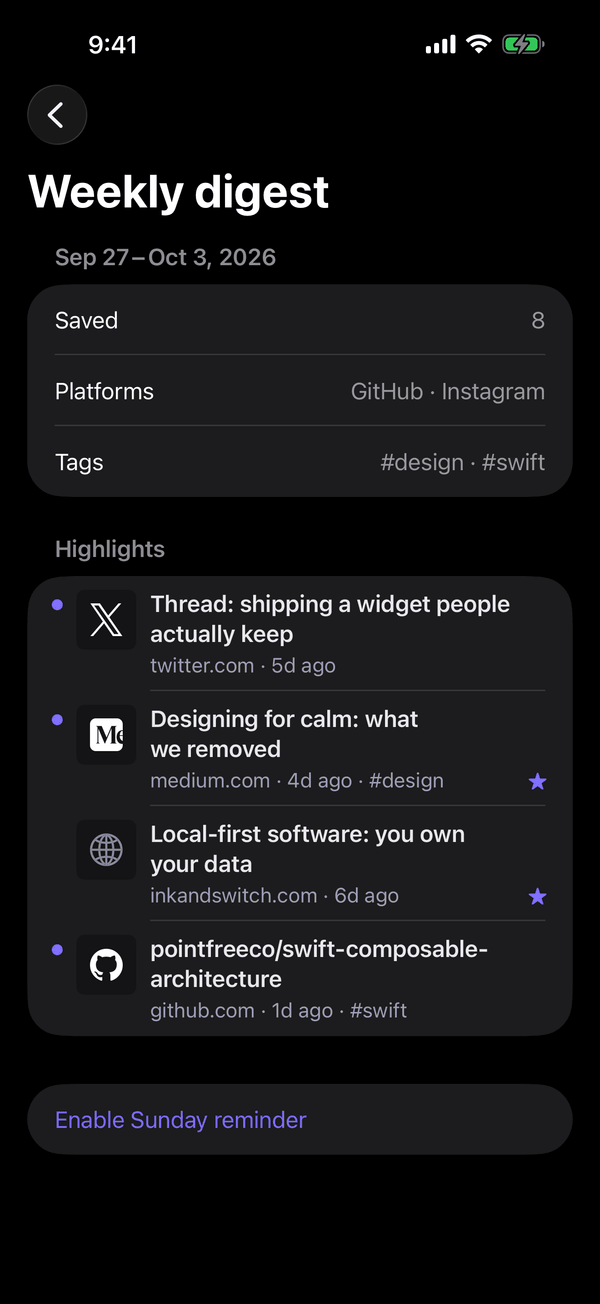
Your week in saves, with a Sunday reminder you can turn off.
Everything you can do to a link is on the link: swipe it, long-press it, or open it.
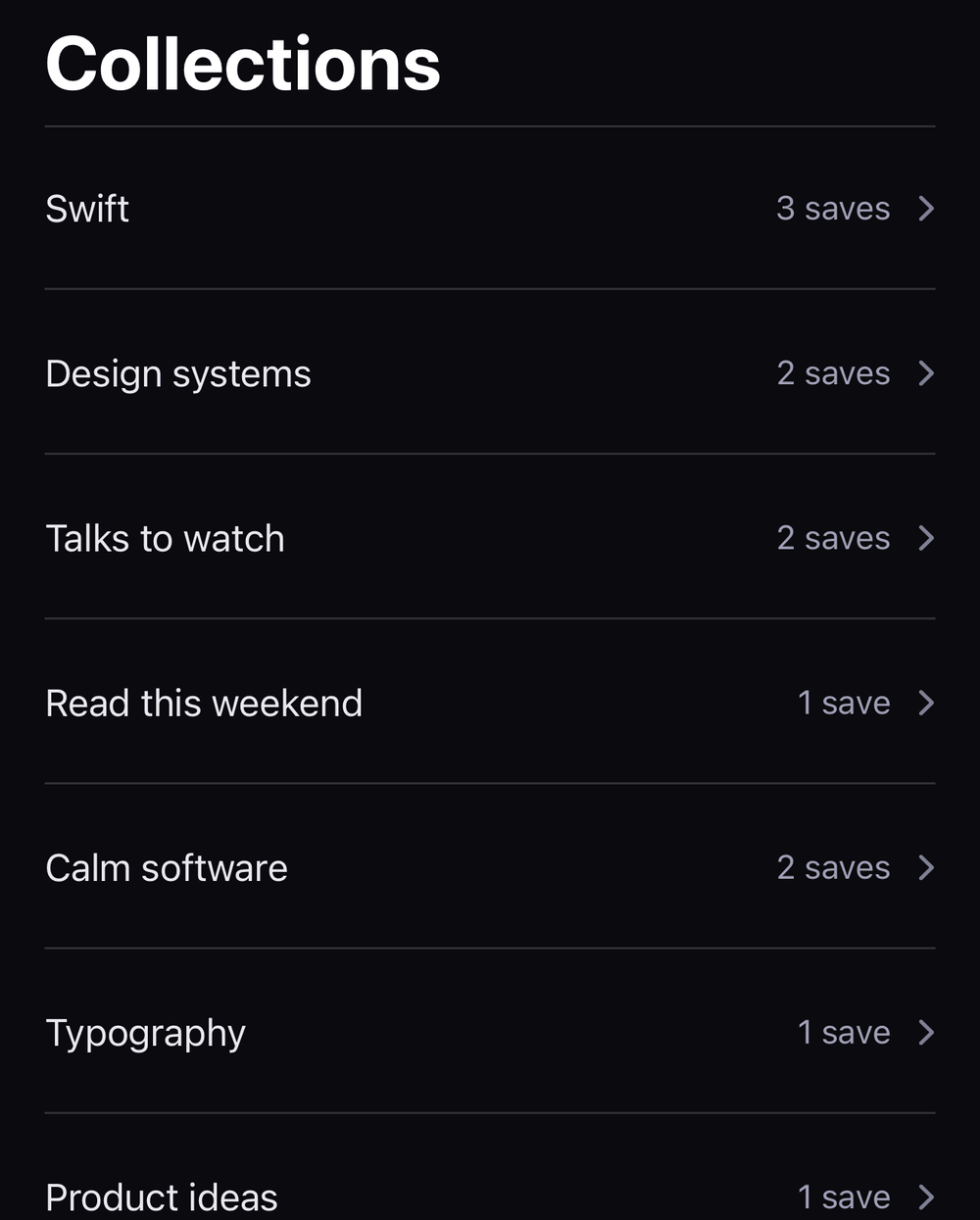
Keep links that belong together in one place, and filter Saved by collection.
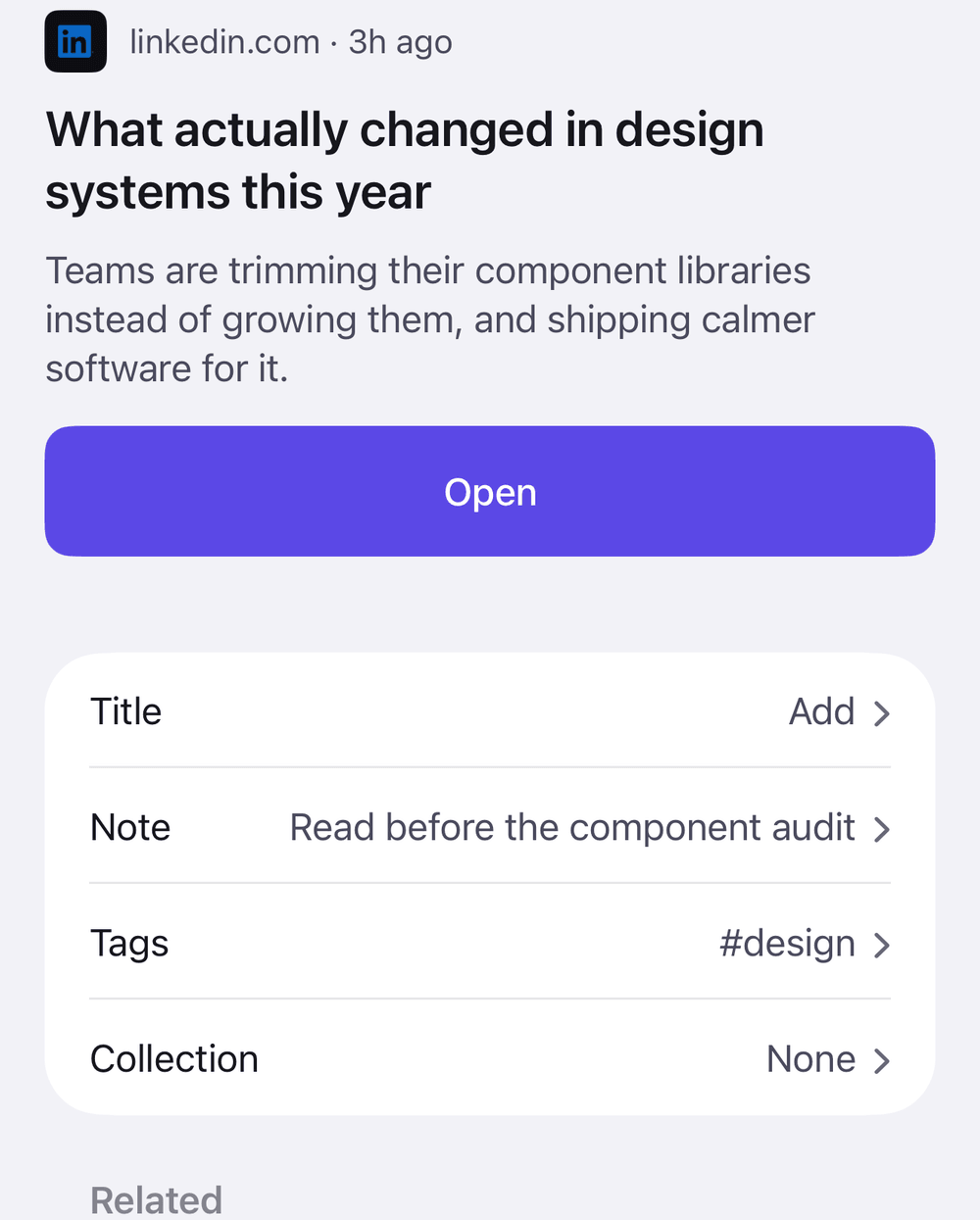
Star a link, tag it, give it your own title or a private note.
In light mode
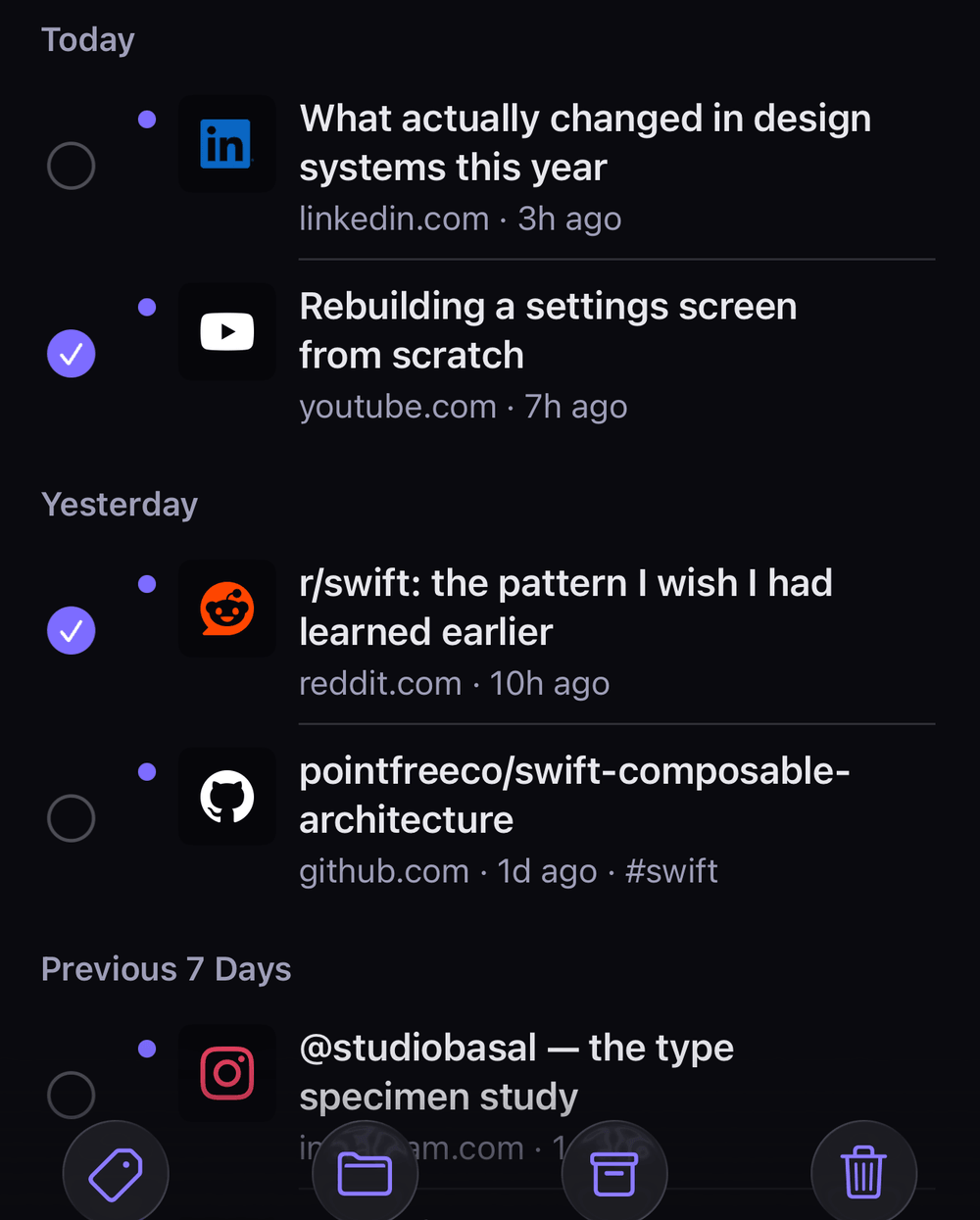
Tag, archive, delete or add many links to a collection at once.
Find any link by its title, site, note or tag.
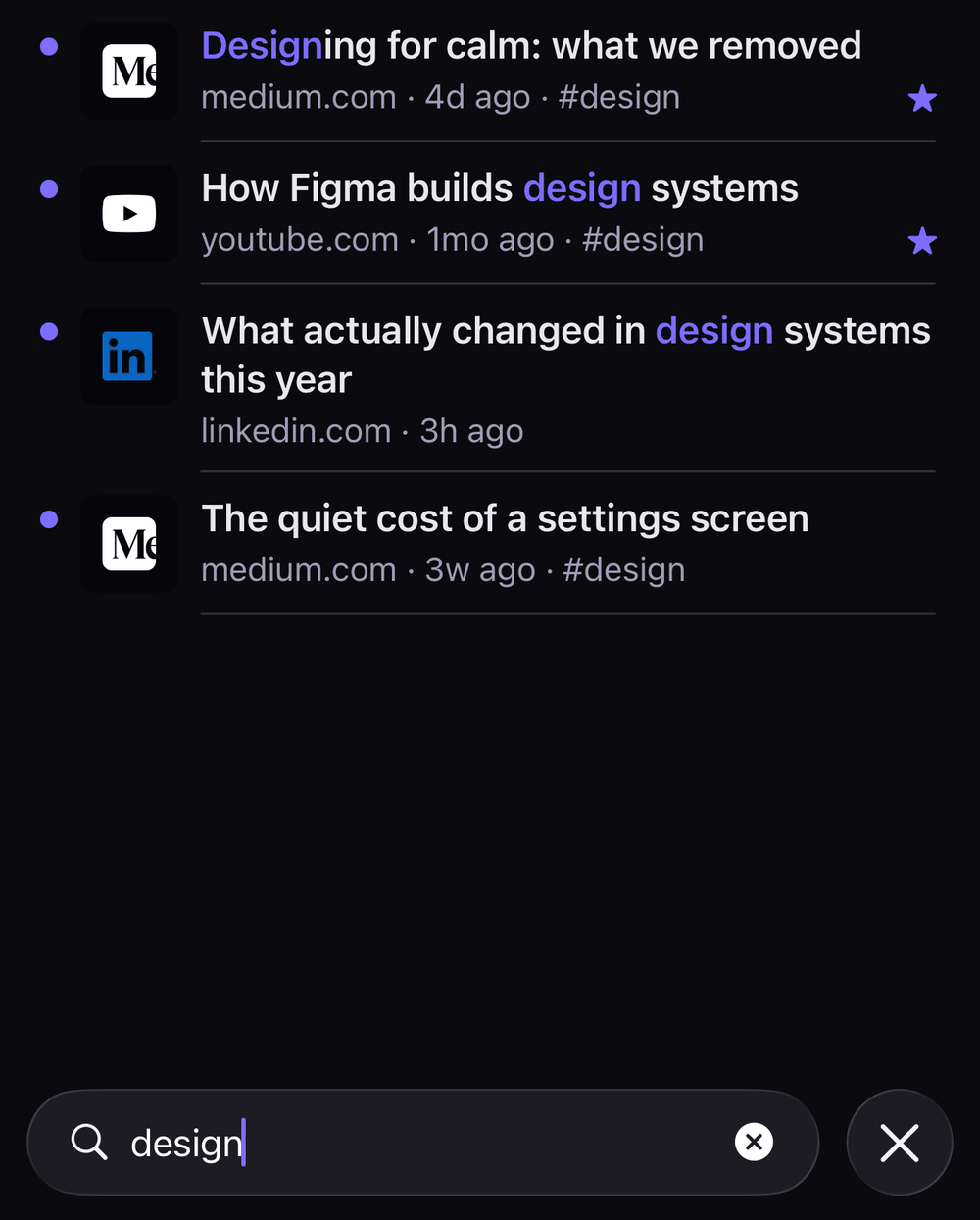
Swipe a link to star or archive it, or to delete it — with Undo. Filter Saved by Unread, Starred, Archived, platform, tag or collection.
One purchase — $9.99 in the U.S. — and no subscription. Everything else in Molwee stays free; Pro adds three things.
Pick a day and get a reminder for any link, with a note.
Keep the text of the articles you save, readable offline. Some sites, for example paid ones, do not allow it, and videos and social posts have no article text.
Find a link by what the article said.
In the app: Settings → Molwee Pro. Restore Purchase is on the same screen, and no account is needed.
No account and no sign-in. Your links are stored on your iPhone, and you can take all of them with you whenever you like.
Import… is in Settings: choose the file, and links you already saved are skipped.
Export… is in Settings. Nothing leaves your phone unless you share the file.
Molwee follows your iPhone, or you can pick Light or Dark in Settings. The widget follows too.
Drag the handle, or use the arrow keys.
Yes. Molwee is free on the App Store, with no ads and nothing to sign up for. Molwee Pro is an optional one-time purchase that adds Remind me, Saved text and Search inside articles.
No. You pay once, and the purchase stays with your Apple Account: on another iPhone or iPad, open Settings → Molwee Pro and tap Restore Purchase.
No. There is no account and no sign-in. Open the app and start saving.
On your iPhone or iPad, inside Molwee. Molwee has no server of its own and does not upload your library. You can export a full backup from Settings at any time.
Not today. Your library lives on your iPhone, and you can export a full backup at any time.
Yes. Unzip your Pocket export in the Files app, then in Molwee open Settings → Import… and choose the CSV inside. Titles, links, tags, the dates you saved them and what you archived come with them. How to move from Pocket
No — Molwee is for iPhone and iPad.
From the links you saved and have not archived. It favours the ones you starred, tagged, retitled, wrote a note on or opened before, leaves out anything you opened in the last 12 hours, and changes through the day.

Free on the App Store.